
Automation and POS
Connect your systems. Reduce manual work.
Clove helps with POS integration and business automation — connecting websites, Square and Foodhub ordering, payments, printers, kitchen operations, notifications, inventory and reporting into connected workflows that reduce manual re-entry.
Confirmed integrations
Integration support for Foodhub and Square
Clove supports integrations involving Foodhub and Square, and works with other compatible POS and business platforms. Additional POS integrations are assessed according to platform capabilities.
Integration availability depends on APIs, account permissions, hardware, and the existing business setup — which is why every project starts with an honest technical assessment rather than a promise.
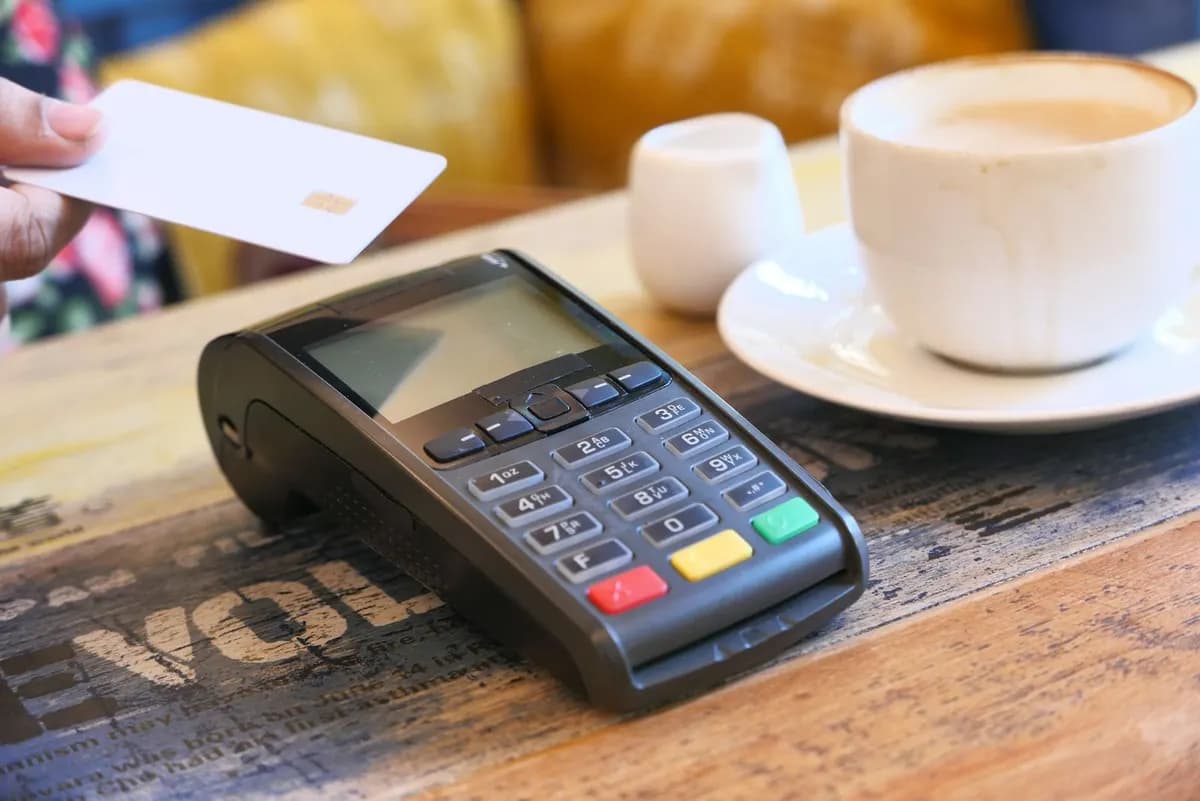
Connected order flow
How a connected order flows
When systems are integrated, an order placed by a customer moves through payment, POS, kitchen, and reporting without anyone re-typing it.
- Customer
- Website or ordering platform
- Payment
- POS
- Kitchen or fulfilment
- Notification
- Reporting
What we connect
Integration and automation capabilities
POS integrations
Connecting point-of-sale platforms with websites, ordering, and reporting.
Online ordering integrations
Orders flowing from customer-facing channels into business systems automatically.
Payment workflows
Payments connected to orders, confirmations, and reconciliation.
Kitchen display systems
Orders appearing where they are prepared, without manual re-entry.
Receipt and docket printers
Kitchen and fulfilment dockets printed automatically at the right station.
Menu synchronisation
One menu update reflected across website, ordering, and POS.
Store and location selection
Customers routed to the correct store, menu, and pricing automatically.
Pickup and delivery workflows
Order types, timing, and handoff configured around how the business operates.
Customer notifications
Automatic confirmations and status updates by SMS, email, or app.
Inventory workflows
Stock information kept in step with sales and ordering channels.
Staff dashboards
A single practical view of orders, tasks, and daily operations.
Reporting systems
Sales and operational data collected into reports people actually read.
Internal workflow automation
Repetitive administrative processes handled by systems instead of staff.
Custom API integrations
Purpose-built connections between platforms that do not talk to each other.
Practical examples
What can be automated?
Automation is most valuable where information is currently moved by hand. These are the kinds of work we take off a team’s plate.
- Sending online orders into business systems
- Routing orders to the correct location
- Printing kitchen or fulfilment dockets
- Updating customers when order status changes
- Reducing duplicate menu updates
- Connecting enquiries to internal workflows
- Synchronising information between platforms
- Creating operational dashboards
- Automating recurring reports
- Replacing manual spreadsheets and paper forms
Before anything is built
Every integration starts with an assessment
Rather than assuming what is possible, Clove first reviews the platforms, devices, and processes the business already relies on. The result is a clear picture of what can be connected, how, and in what order.
Existing POS platform
Which system is in place and how it is currently used.
Available API or integration options
What the platform officially exposes and permits.
Ordering channels
Website, apps, marketplaces, phone, and in-store ordering.
Payment setup
How payments are taken, settled, and reconciled today.
Printers and devices
Docket printers, terminals, tablets, and kitchen screens.
Location structure
Single site, multi-site, franchises, or mixed models.
Current manual processes
Where staff re-type, copy, print, or double-handle data.
Security and permissions
Account access, roles, and data-handling requirements.
Reporting requirements
What owners and managers actually need to see, and when.
FAQ
Common questions
Which POS systems do you integrate with?
Clove supports integrations involving Foodhub and Square, and can work with other compatible POS and business platforms. Additional POS integrations are assessed according to platform capabilities — availability depends on APIs, account permissions, hardware, and the existing business setup.
Do we need to replace our current systems?
Usually not. The goal of integration is to make the systems you already have work together. Where a platform genuinely cannot support what the business needs, we explain the options honestly before anything changes.
What does an integration project look like?
It starts with an assessment of your current platforms, devices, and processes. From there we design the workflow, build and test the integration in a controlled way, and only switch it on once it behaves correctly end to end.
Can you automate things beyond hospitality?
Yes. The same approach — connecting systems and removing manual steps — applies to enquiries, document workflows, reporting, dashboards, and any process currently held together by spreadsheets and re-typing.
Square ordering connections are part of the TASSIE FLAME restaurant project. Automation usually sits alongside website development and sector-specific industry solutions.
Related services
Services that work together
Website development
Fast, responsive websites designed to generate enquiries, bookings, orders, and sales.
Explore website developmentSEO
Technical, local, and content SEO that helps relevant customers find the business.
Review our SEO servicesDigital marketing
Campaigns connected to landing pages, tracking, and business systems so results can be measured.
Explore digital marketingTell us how your systems work today.
Describe your POS, ordering channels, and the manual steps in between — we will assess what can be connected and recommend a practical starting point.